Icon of program: Steam

Steam APK for Android

  • Free
  • 4.4
    201
  • 194.9K
  • V3.10.9

Kyle Juffs

Updated 3 weeks ago

A one-stop source for games information

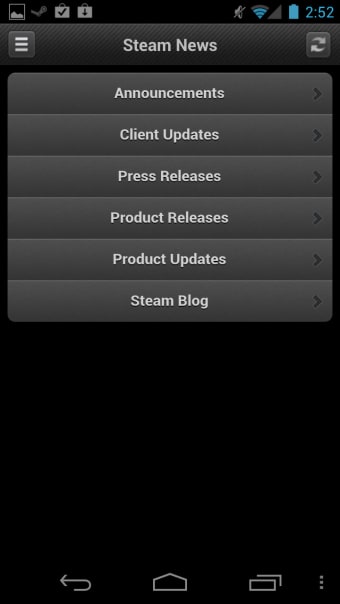
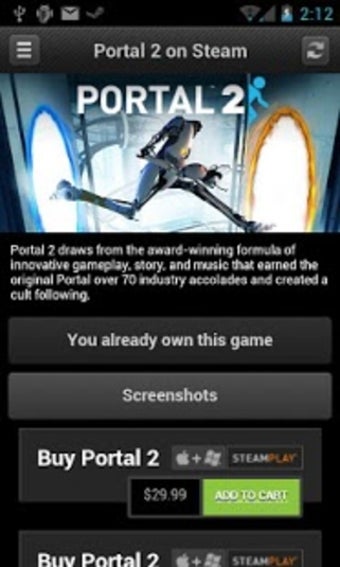
Steam is a free utility app developed by Valve Corporation. This mobile application is a one-stop shop for all the up-to-date information about new games and the game industry, special or discounted prices for gamers, and meeting the many people who enjoy playing video games.

Top Recommended Alternative

Steam is one of the leading PC gaming support programs. The app can send you alerts about discounts so that you never miss a bargain on your favorite game. It is explicitly designed to appeal to the gaming community. Here, you can chat with friends, interact with others, and make new connections.

Packed with valuable features

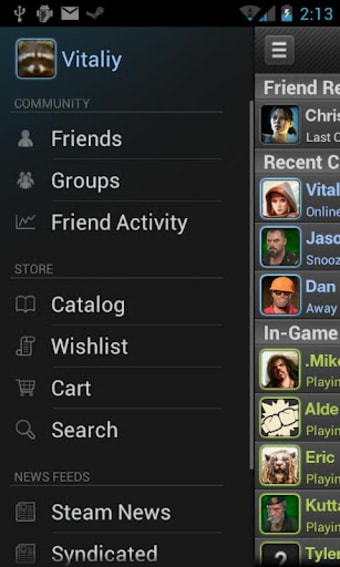
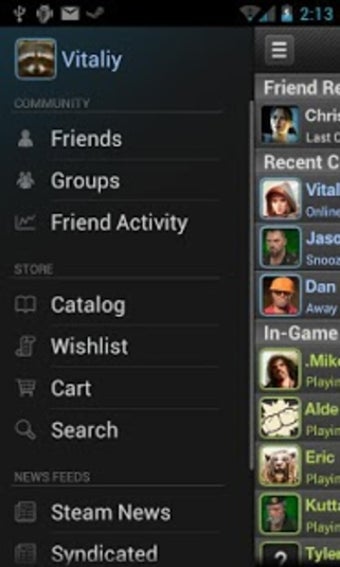
Here, you can protect your Steam account and make sign-in faster if you enable the Steam Guard option—a feature requiring a second verification form which is two-factor authentication, to prove identity. You can also log in by scanning a QR code rather than entering a password. Moreover, you can see what your friends play in real-time, their activities, inventory, wallet, groups, screenshots, and more.

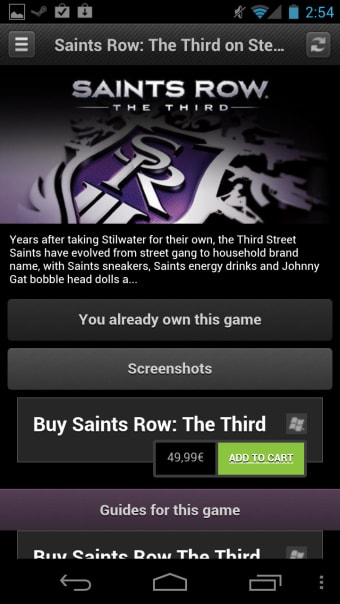
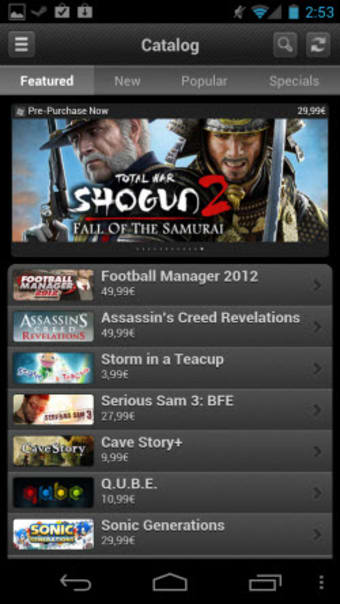
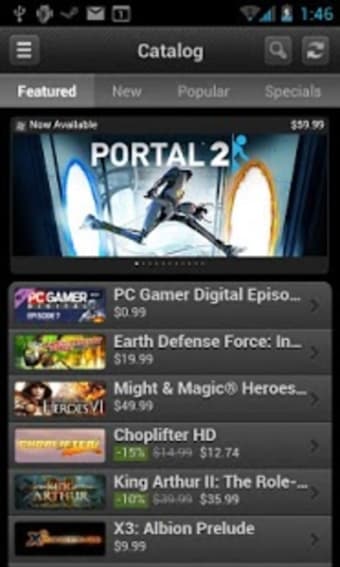
Further, you can communicate with your friends and other people using the app’s built-in messaging system. You can also browse the catalog of video games and purchase anything you like straight from your mobile device by checking out the deal of the day. In addition, this app enables you to manage your game downloads and updates from your mobile device.

However, many users have noticed glitches in the app’s interface. For example, if you’re browsing through a list of games, and click one that looks interesting, then decide to go back, the phone's back button will land you right where you started—either at the very top of a list or elsewhere in another section. Scrolling back down to where you were on the list is frustrating.

An excellent tool but needs enhancement

If you love video games and want to stay on top of what's new and on sale around the web, then Steam is a great app for you. It’s streamlined and free and has been an excellent tool for the gaming community. However, it’s not perfect, and there are bound to be some kinks that need to be worked out along the way.

Kyle Juffs

Kyle Juffs combines more than 15 years of gaming experience with a background in digital marketing. He specializes in writing about games, technology, and online marketing, producing long-form content that is both authoritative and approachable, with a focus on clarity and reader engagement.

  • Pros

    • Steam Guard can help protect your account
    • It can sign in using a QR code
    • Access to your friend’s activities
    • Can notify for future discounts, deals, and more
  • Cons

    • Glitches in the app’s interface
 0/13

App specs

Also available in other platforms

Program available in other languages


Icon of program: Steam

Steam APK for Android

  • Free
  • 4.4
    201
  • 194.9K
  • V3.10.9

User reviews about Steam

Have you tried Steam? Be the first to leave your opinion!

Add review

You may also like

Alternatives to Steam

Explore Apps

Related Articles

Latest articles

Laws concerning the use of this software vary from country to country. We do not encourage or condone the use of this program if it is in violation of these laws.
Softonic

Is Steam safe?

100/100

Score result: Clean

This file passed a comprehensive security scan using VirusTotal technology. It is safe to download.

  • Virus free
  • Spyware free
  • Malware free
  • Verified by Security Partners

    VirusTotal logo

Scan Info

Last scan
Friday, March 13, 2026
Scan provider
VirusTotal · Full report

File Integrity

File
com.valvesoftware.android.steam.community_3.10.9.apk
SHA256
498bbccf415e5bfef2a9e7b6c3f131279e1e2abe4a7992c9e160edda71161bce
SHA1
846e4346cd2fb48f0659d33242aaa6bd85ef79ec

Softonic security commitment

Steam has been thoroughly scanned by our advanced security systems and verified by industry-leading partners. This file comes from the official developer and has passed all our security checks, showing no signs of viruses, malware, or spyware. For more information, visit our Security and Trust Center

Softonic

What is a Validated Developer?

Validated Dev

This badge indicates that Softonic has received authorization to offer the software from the developer or a designated representative, through the Softonic Publisher Center or other agreements. Content, ownership and compliance are responsibility of the developer.

More details in terms and conditions.

Are you a developer?

Join the Softonic Publishing Center and reach millions of users.

Not a developer?